Cloud PACS vs on-prem: how to choose for your facility
Cloud PACS vs on-prem compared on cost, security, bandwidth and contracts, with a clear way to choose the right model for your hospital or imaging center.
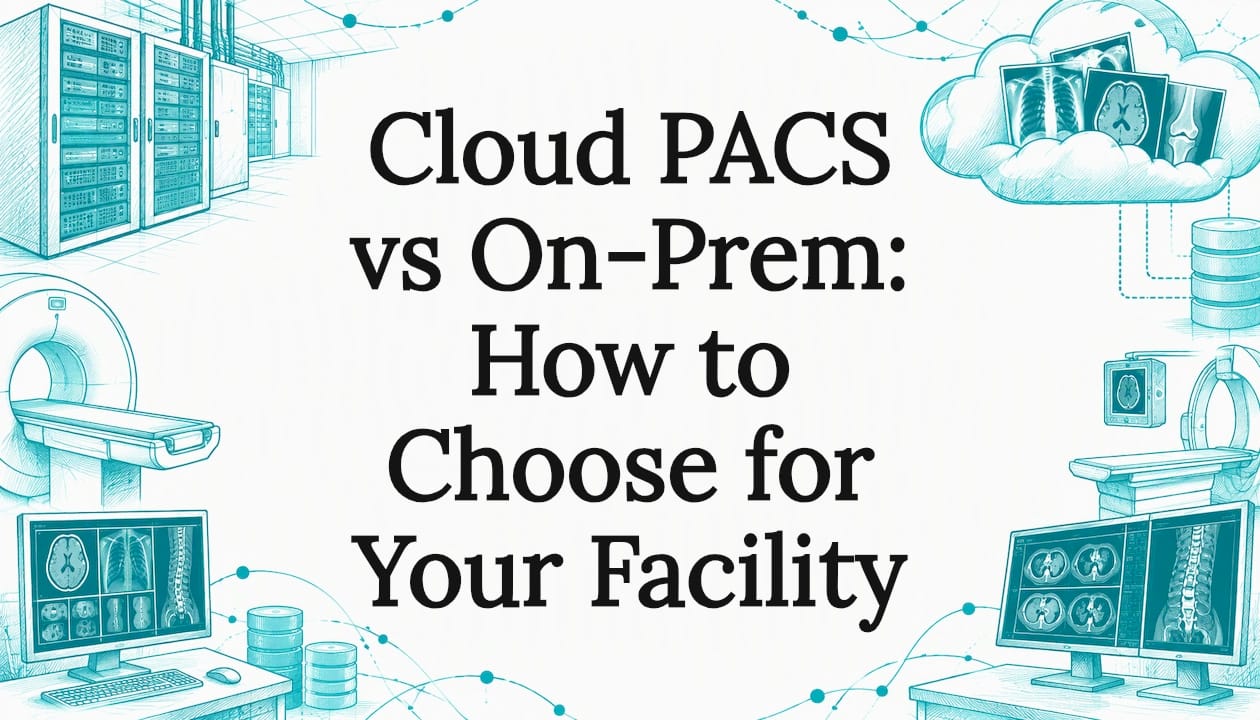
Cloud PACS vs on-prem comes down to where your imaging servers and archive run and who maintains them. A cloud PACS runs on remote servers managed by a third party under a subscription. An on-premises PACS runs on hardware your facility buys, houses and maintains. Most US organizations that have moved to the cloud use a hybrid model, so the right answer depends on your IT staffing, bandwidth, contracts and study volume.
Key facts
- The KLAS Imaging in the Cloud 2024 report surveyed 228 US healthcare organizations; nearly two-thirds were already using the cloud for diagnostic image viewing or storage, or planned to start within three years.
- In the same 2024 KLAS research, most respondents with PACS or diagnostic viewers in the cloud used a hybrid model in a hosted environment.
- Under HHS guidance on HIPAA and cloud computing, a cloud service provider that handles electronic protected health information is a business associate and needs a BAA.
- A 2025 article in the Journal of Imaging Informatics in Medicine describes a six-phase PACS selection process scored across 11 weighted pillars.
- AstraRad commits to turnaround by contract: STAT under 4 hours, routine 24 to 48 hours and stroke protocol under 30 minutes, with reports delivered into your existing PACS.
TL;DR
- Cloud PACS means a third party hosts and manages the servers; on-prem PACS means your team does, on your hardware.
- KLAS reports that many US organizations find cloud costs the same as or higher than on-prem, so build the business case on IT burden, standardization and technology access.
- Hybrid is the most common model among organizations already in the cloud, because many want some on-site elements for redundancy.
- Bandwidth, cybersecurity, your BAA chain and exit terms decide the contract more than the sticker price does.
- Your PACS model does not change who reads your studies: a teleradiology service delivers final signed reports into the PACS you already run.
Table of Contents
- What is the difference between cloud PACS and on-prem PACS?
- Where does AstraRad fit in this decision?
- How do cloud PACS and on-prem PACS costs compare?
- When should you use cloud, on-prem or hybrid PACS?
- How do security, HIPAA and disaster recovery compare?
- Does bandwidth decide cloud PACS vs on-prem?
- How does your PACS model affect teleradiology coverage?
- What does AstraRad offer alongside your PACS?
- What should you evaluate before you choose a PACS model?
- Which PACS model supports urgent and overflow reading best?
- FAQ
- Sources
What is the difference between cloud PACS and on-prem PACS?
The difference is where the infrastructure runs and who manages it. A cloud PACS runs on remote servers hosted and managed by a third party and reached over the internet. An on-premises PACS runs on servers and storage installed at your facility, which your own team patches, backs up and upgrades.
A few terms help keep the comparison precise:
- A PACS (picture archiving and communication system) is the software and storage that receives, stores, displays and distributes medical images from modalities such as CT, MRI, X-ray and ultrasound.
- Cloud PACS is a PACS delivered from remote servers managed by a vendor or hosting provider, usually on a subscription.
- On-premises PACS is a PACS installed on servers that sit in your own data center or server room and are maintained by your staff or a contractor.
- Hybrid PACS is a model that keeps some components, such as a local cache or short-term archive, on site while other components, such as long-term storage, run in the cloud.
- DICOM is the standard format and network protocol that imaging devices and PACS use to exchange studies.
The table shows how the two models usually differ in day-to-day operation.
| Factor | Cloud PACS | On-prem PACS |
|---|---|---|
| Where servers run | Vendor or hosting provider data centers | Your facility or your own data center |
| Who maintains it | Vendor, under your contract | Your IT team or a contractor |
| Typical cost shape | Recurring subscription | Larger upfront purchase plus ongoing maintenance |
| Scaling | Capacity added by contract change | Capacity added by buying hardware |
| Dependence on internet | High | Lower for local viewing |
| Control of configuration | Shared with the vendor | Held by your team |
One practical question applies to every cloud proposal: is the product built natively for the cloud, or is it a conventional PACS installed on a hosting platform? The answer affects how upgrades are delivered, how capacity scales and which tasks stay with your staff.
Where does AstraRad fit in this decision?
AstraRad is a US teleradiology service that delivers final signed reports read by board-certified subspecialists. We have a commercial interest in this topic: we sell reading coverage to hospitals, imaging centers and radiology groups, and we do not sell PACS software. Whichever model you choose, our reports go straight into your existing PACS with no extra portal. We wrote this guide because the PACS decision and the coverage decision are tied together in most procurement files.
How do cloud PACS and on-prem PACS costs compare?
Many US organizations find that cloud PACS costs the same as or more than on-premises, according to KLAS research from 2024. The return tends to come from standardized deployments, easier adoption of new technology and a lighter IT burden. Compare total cost over the full contract term, including labor and refresh cycles.
A fair comparison puts every cost on the same timeline, usually five to seven years. These are the lines buyers most often leave out.
| Cost line | Cloud PACS | On-prem PACS |
|---|---|---|
| Initial outlay | Implementation and migration fees | Servers, storage, installation, software licenses |
| Recurring fees | Subscription covering user access, storage and software features | Maintenance contracts and software upgrades |
| Staff time | Vendor management, access administration | Monitoring, patching, backups, hardware replacement |
| Growth in study volume | Storage tier changes in the contract | Added capacity and eventual hardware refresh |
| Disaster recovery | Often part of the hosted service; confirm in the contract | Off-site backup and a recovery environment you fund |
| Exit | Data export and migration terms | Migration to the next system |
Before you sign a cloud agreement, ask for written answers to these points:
- Which fees change as your annual study volume grows?
- Are retrieval, export or interface charges listed separately?
- What does it cost to move your archive to another system at the end of the term?
- Which services are in the base subscription and which are add-ons?
On the on-prem side, ask your own finance team to price the full refresh cycle for storage and servers and the share of IT salaries spent on the PACS. Those numbers often decide the comparison.
When should you use cloud, on-prem or hybrid PACS?
Choose the model that matches your IT capacity, connectivity and risk tolerance. Cloud fits organizations that want less infrastructure to run. On-prem fits those with strong IT teams or limited connectivity. Hybrid suits those who want cloud benefits while keeping local components for continuity. KLAS found that most respondents with PACS or diagnostic viewers in the cloud use a hybrid model.
KLAS also found that many organizations hesitate to go all in without keeping some elements on site for redundancy. That is a useful signal: hybrid is a mainstream design, not a compromise. The table below is our own planning guide, built from the factors above.
| Your situation | Model that usually fits | Why |
|---|---|---|
| Small imaging center with little IT staff | Cloud | Less hardware and fewer tasks to staff |
| Multi-site radiology group sharing studies | Cloud or hybrid | One access point for readers at several locations |
| Hospital with a large local archive and a deep IT team | On-prem or hybrid | Existing investment and local control |
| Critical access hospital with limited bandwidth | On-prem or hybrid | Local viewing stays fast if the connection drops |
| Organization planning rapid growth in volume | Cloud or hybrid | Capacity changes by contract rather than by purchase |
When you present the choice to a board or finance committee, state the decision as a set of risks you accept. Cloud accepts dependence on connectivity and a vendor. On-prem accepts the burden of running and refreshing the platform. Hybrid accepts the complexity of managing both.
How do security, HIPAA and disaster recovery compare?
Both models can meet HIPAA requirements, but the responsibilities sit in different places. HHS states that a cloud service provider handling electronic protected health information for you is a business associate, so you need a signed BAA. With on-prem, your team owns every safeguard directly.
HHS explains this in its guidance on HIPAA and cloud computing. A business associate agreement (BAA) is a written contract in which a vendor that handles protected health information for a covered entity agrees to safeguard it under the HIPAA Rules. The same guidance says a provider that lacks an encryption key is still a business associate. For procurement, that means the BAA is a gating item for a cloud PACS, not a late-stage formality.
Security opinions in the market are split. In its 2024 research, KLAS identified cybersecurity as a top concern for organizations weighing the cloud, and some viewed cloud as a larger target because data is more centralized. Vendors of hosted services point to encryption, access controls and continuous monitoring. Both views are worth weighing, so turn them into contract questions.
- Responsibility split: Which safeguards does the vendor run, and which stay with you?
- Access control: Can you see who opened which study, and can you remove a user the same day?
- Backup and recovery: How often is the archive backed up, where do copies live and how long does a restore take?
- Downtime procedure: What do radiologists and technologists use if the connection or the host is unavailable?
- Patching and audits: For on-prem, who schedules patching and security testing, and who pays for it?
- Incident notice: What notification terms does the BAA set if there is a security incident?
A PACS decision usually adds more than one BAA to your file. Your PACS host needs one if it handles protected health information, and so does any teleradiology service that reads your studies. AstraRad is HIPAA aligned and works as a business associate under a signed BAA, so that agreement is in place before the first study is read.
Does bandwidth decide cloud PACS vs on-prem?
Bandwidth often decides it. Cloud PACS moves studies over your internet connection every time a radiologist or clinician opens an image, so a weak or unreliable link slows reading. KLAS reports that some organizations still on the fence wonder whether they have the bandwidth to support the cloud, and it advises testing before committing.
That advice appears in the KLAS 2024 findings, which recommend working closely with vendor partners to assess cloud security and test bandwidth. Put that into a pilot plan:
- List every site that will send or view studies, including outpatient clinics and any radiologist working remotely.
- Measure real upload and download throughput at each site during peak hours, not off-peak.
- Identify your largest study types, such as multi-phase CT, MRI and mammography, and ask the vendor how it handles them.
- Ask whether a local cache or short-term on-site archive is available, and what it costs.
- Confirm what happens to reading workflows if the link fails, and write the answer into the SLA.
Rural and critical access hospitals feel this most. Connectivity can be thinner, and overnight coverage depends on studies leaving the building reliably. Our page on teleradiology for rural and critical access hospitals covers how overnight reads work for those settings.
How does your PACS model affect teleradiology coverage?
Your PACS model changes how studies travel to a remote radiologist and how the report returns, but it does not change who should read them. Whether the archive is hosted or local, the contract with a teleradiology service should define interface, turnaround, credentialing and the format of the final signed report.
If you outsource reads, put these items in the same procurement file as the PACS decision:
- Integration path: How studies reach the reading service and how the final signed report returns to your PACS, over DICOM and your existing interfaces.
- Turnaround: Whether the clock is measured from last-image arrival to radiologist signature, and which tiers are committed in writing.
- Credentialing and licensing: Board certification, subspecialty match and state licensure for every state where your patients are imaged.
- Quality assurance: How peer review works and what share of reports is double-read.
- Contract terms: Per-report pricing, minimums, platform fees and the SLA language.
A PACS migration is also a good moment to review coverage. During cutover, reading volume can back up. A teleradiology partner can absorb overflow while your team focuses on the project. Our article on overflow radiology reads and the ROI of outsourcing volume walks through that business case.
What does AstraRad offer alongside your PACS?
AstraRad is a US teleradiology service that delivers final signed reports read by board-certified subspecialists. Every study is routed to a subspecialist matched to the modality and body part, across ten subspecialties and twelve study types, on scheduled US shifts 24/7/365, with every read performed inside the United States.
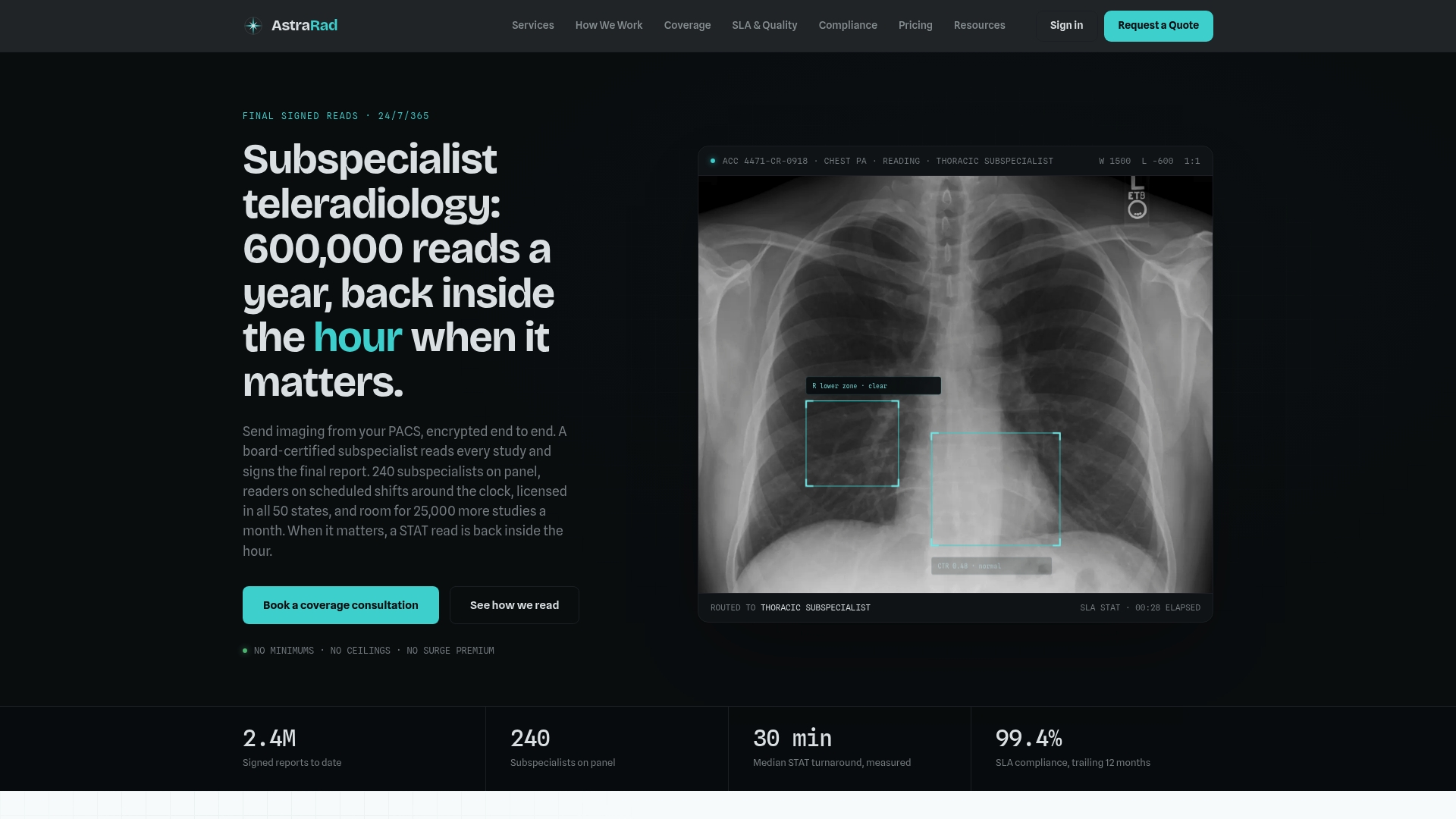
Reports go straight into your existing PACS with no extra portal, DICOM conformant. Radiologists are licensed in all 50 states, and 1 in 20 reports is independently double-read, blind, for peer review. Turnaround is committed by contract and measured from last-image arrival to radiologist signature, as the table shows.
| Tier | Committed turnaround |
|---|---|
| STAT | Under 4 hours (under 2 hours or under 1 hour on request) |
| Routine | 24 to 48 hours |
| Stroke protocol | Under 30 minutes |
Pricing is per report with no minimums, and the first signed report arrives within 10 business days of countersignature. You can browse our teleradiology services for all study types, including STAT CT reads and MRI teleradiology, or read how a study moves from your PACS to a signed report. After a discovery call, a coverage plan with SLA terms in writing follows.
What should you evaluate before you choose a PACS model?
Evaluate with a structured, scored process rather than a demo impression. A 2025 article in the Journal of Imaging Informatics in Medicine describes a six-phase approach: team formation, expectation setting, background assessment, initial vendor assessment, virtual demonstrations and final evaluation.
The Springer article scores vendors on dimensions including usability, integration, performance and cost. Its authors operationalized the evaluation using 11 weighted pillars comprising 236 concepts, and combined quantitative and qualitative data, including cost analyses and comprehensive RFPs. You do not need that exact framework, but the discipline transfers: weight your criteria before you see a demo.
A practical sequence for a hospital, imaging center or radiology group:
- Form the team. Include radiology leadership, a technologist lead, IT, compliance and finance.
- Write requirements. List modalities, sites, readers, retention periods and integration points such as HL7 and DICOM interfaces.
- Weight the criteria. Decide in advance how much usability, integration, performance, security and cost count.
- Issue the RFP. Ask each vendor the same questions and request pricing in a common format.
- Run scripted demonstrations. Use your own study types and your own workflow scenarios.
- Test the network. Run the bandwidth measurements for every site before final selection.
- Negotiate the contract. Settle the SLA, BAA, data ownership and exit terms.
Integration deserves its own line in your scoring. With on-prem systems, your facility controls and handles integration with local systems, and compatibility gaps can require custom work that adds cost and time. Cloud vendors will often offer standard interfaces, so ask for a list and a timeline in writing.
The contract terms below are the ones that most often separate a safe agreement from a risky one.
| Contract term | What to require |
|---|---|
| SLA | Availability and support response times, with remedies written into the agreement |
| BAA | Signed before any protected health information moves |
| Data ownership | Your ownership of studies and reports stated plainly |
| Exit and export | Format, timeline and cost of exporting the full archive |
| Downtime procedure | A documented fallback for reading and ordering workflows |
| Interfaces | Named DICOM and HL7 interfaces and who builds each |
| Change control | Notice periods for upgrades and price changes |
Which PACS model supports urgent and overflow reading best?
Neither model wins on its own. Urgent and overflow reading depend on how quickly studies reach a radiologist, how reliably the report returns and what the contract commits. A well-connected hybrid or cloud setup and a well-run on-prem system can both support STAT workflows when interfaces and SLAs are defined.
For urgent care centers and other outpatient sites, the practical question is how fast an X-ray or CT can be read after acquisition. Our page on teleradiology for urgent care centers addresses that setting. For hospitals, the PACS decision should include a plan for peak periods, overnight coverage and downtime, with the teleradiology contract aligned to the same SLA language.
Buyers also ask whether changing PACS affects reading continuity. It can, during cutover, which is why scheduling migrations with coverage in place protects turnaround. Ask every vendor, including your reading service, how studies are routed during a transition and who is responsible for each interface on go-live day.
FAQ
Is PACS cloud-based?
Not always. A PACS can be cloud-based, on-premises or hybrid. Cloud PACS runs on remote servers managed by a third party, while on-prem PACS runs on hardware at your facility. KLAS found that most organizations with PACS in the cloud use a hybrid model in a hosted environment.
Is cloud PACS cheaper than on-prem PACS?
Not necessarily. KLAS reports that many US organizations find cloud the same cost as or more expensive than on-premises. Savings and returns more often come from standardized deployments, easier adoption of new technology and a lower IT burden. Compare total cost over the full contract term, including labor, refresh cycles and exit fees.
When should you use on-prem PACS instead of cloud?
On-prem or hybrid fits when you have a capable IT team, a large local archive or limited bandwidth. Cloud fits when you want less infrastructure to run and have reliable connectivity at every site. Test bandwidth at each location and keep a documented downtime procedure either way.
Can you store imaging studies in the cloud under HIPAA?
Yes, with a signed business associate agreement. HHS guidance states that a cloud service provider that creates, receives, maintains or transmits electronic protected health information for you is a business associate. Sign the BAA before any data moves, and confirm which safeguards the vendor runs and which remain yours.
Does your PACS model change how teleradiology reports are delivered?
It changes the interface path, not the standard for the report. A teleradiology service should deliver a final signed report into your existing PACS over DICOM, whether the archive is hosted or local. Define the integration, turnaround commitments and BAA in the contract before go-live.
Sources
- Imaging in the Cloud 2024, KLAS Research
- Guidance on HIPAA and Cloud Computing, U.S. Department of Health and Human Services
- A Comprehensive Guide to Selecting and (Potentially) Replacing a PACS, Journal of Imaging Informatics in Medicine, 2025
Ready to line up reading coverage with your PACS plan? Book a discovery call or request the per-report rate card.
Related on AstraRad
- Resources
Image quality requirements for teleradiology
Image quality requirements for teleradiology: the ACR-based specs, QC checks and contract terms US buyers should set before they send studies.
- Resources
Turnaround time SLA language for teleradiology contracts
A turnaround time SLA binds only when the contract defines the start event, stop event, statistic, exclusions, and remedy. Clause language for all five.
- Resources
How to audit a teleradiology QA program
Audit a teleradiology QA program with four numbers: double read rate, written discrepancy definition, measured rate, and the workflow after a miss.
Put a radiologist's name on your next read.
Tell us your modalities and monthly volume. A complete per-report rate card, with turnaround tiers and SLA terms in writing, lands in your inbox within one business day.